

Introduction
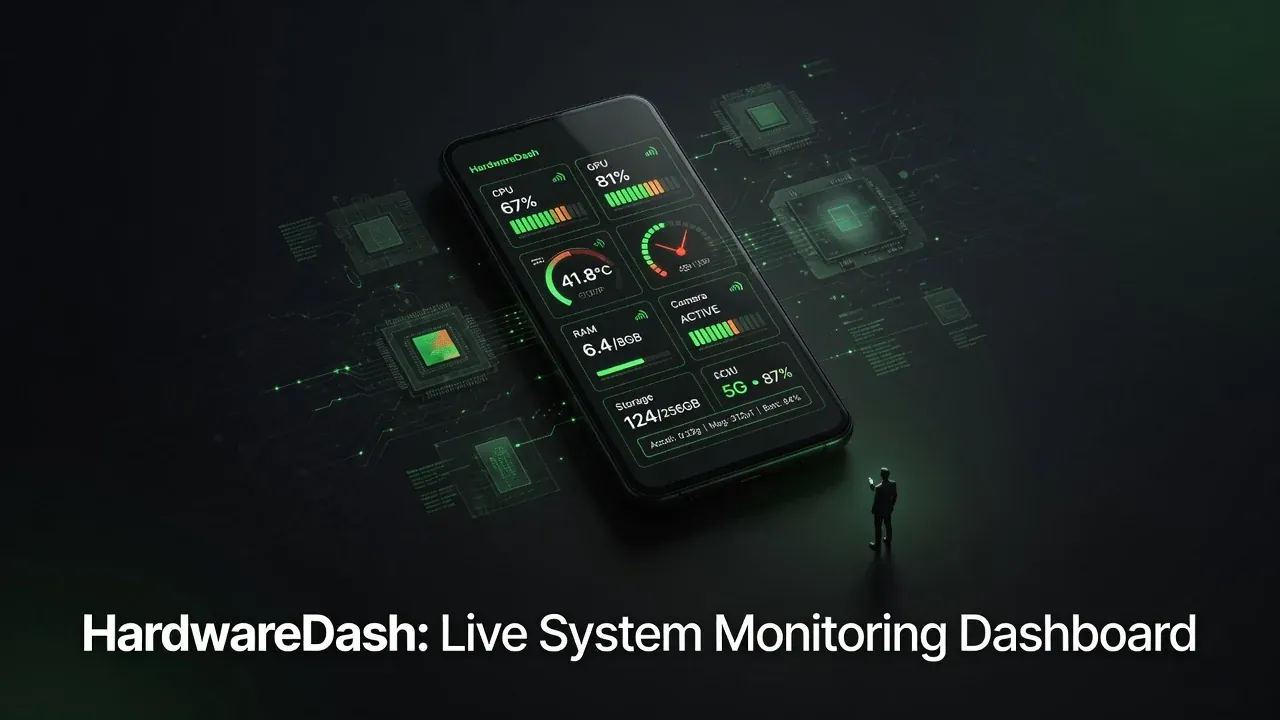
HardwareDash — shipped under the app name Gadget — is a modular Android application designed as a proof of concept for deeply exploring and automating the hardware and software layers of your device. Whether you want to monitor every sensor in real time, control radios and actuators, manage storage and apps, or build automation rules that react to hardware events, this app provides a unified, extensible interface.
The project lives in the Ranzlappen/HardwareDash repository.[1] Active development happens on the claude/refactor-2026 branch, where a major modular refactor has progressed through Phases 0 and 1 and is currently mid-Phase 2.
Try the latest build: R8-minified release APKs for both flavors — standard and rooted — are published automatically on every merge to main. The releases page had reached v1.0.173 by June 2026, with multiple builds per day during active sprints. Both variants install side-by-side as separate apps.
The Vision: Proof of Concept for Exploration & Automation
At its core, HardwareDash aims to give power users, developers, and tinkerers a single place to inspect, control, and automate almost every hardware surface Android exposes — and deeper system surfaces on rooted devices.
Instead of juggling dozens of separate tools, you get one coherent dashboard with sensor tiles, actuator controls, radio management, and a rule engine that lets you automate actions based on hardware state changes. It is deliberately built as a proof of concept to demonstrate what a truly integrated hardware-software automation platform on Android can look like.
The project targets Android 10 (SDK 29) and up through Android 15 (target SDK 35), compiled against SDK 35 and using Java/Kotlin 17 toolchains.[1]
Core Capabilities at a Glance
- Dashboard — Adaptive grid of live sensor and status tiles (battery, motion, ambient, GPS, etc.).
- Sensors & Actuators — Direct access to sensors, torch/flashlight, vibration, cameras, and audio.
- Radio Suite — Unified control panel for Wi-Fi, Bluetooth, NFC, sub-GHz, and IR radios.
- Specialized Modules — Dedicated support for Flipper Zero devices, storage management, app control, screen lock behavior, and bug report generation.
- Automation Engine — Rule-based automation in
core/automationwith a companion UI, allowing users to define reactions to hardware events. - Rooted Flavor Extras — Deeper diagnostics, storage, apps, lock, and bug-report surfaces available only in the rooted build, plus a bundled LSPosed module.
Everything is organized so users can explore hardware behavior interactively while also scripting automated workflows.
Modular Architecture & Dual Flavors
The app uses a clean modular monorepo structure with three top-level directories:
core/ — Reusable infrastructure with no user-facing UI:
| Module | Role |
|---|---|
core:common |
Utilities and shared data models |
core:domain |
Use-case implementations |
core:data |
Repositories, Room, network calls |
core:datastore |
Settings persistence (AndroidX DataStore) |
core:ui |
Component library, Compose design system |
core:navigation |
Navigation, deep-link routing |
core:permissions |
Permission lifecycle manager |
core:hardware |
Hardware registries and HAL abstractions |
core:testing |
Shared test fixtures and Hilt test utilities |
feature/ — Focused capability modules, one per user-facing screen or surface: dashboard, sensors, actuators, battery, audio, camera, WiFi, Bluetooth, NFC, sub-GHz, IR, storage, apps, lock, bug reports, and their rooted-only counterparts.
build-logic/ — Eight Gradle convention plugins (Android application, Android library, Compose, Hilt, Room, etc.) that eliminate boilerplate from every module’s build.gradle.kts.
Two product flavors are maintained from the same codebase:
- standard (
dev.ranzlappen.gadget) — Ships on the Play Store, works on any Android 10+ device without root. - rooted (
dev.ranzlappen.gadget.rooted) — Side-loaded only; unlocks deeper system surfaces and includes the LSPosed module. Requires Magisk, KernelSU, or APatch.
Both install simultaneously as separate apps. New code lives exclusively under the dev.ranzlappen.gadget.** namespace; legacy com.gadget.** paths are never imported in active branches.
Building the Project
The standard debug APK needs no special flags:
./gradlew :app:assembleStandardDebug
The rooted build requires opting in explicitly:
./gradlew -PenableLsposedModule=true :app:assembleRootedDebug
For a release AAB (requires signing config):
./gradlew bundleRelease
Code quality checks (Detekt + ktlint):
./gradlew detekt ktlintCheck
Contributors working in Claude Code containers do not need a local Android SDK — CI validates build correctness. Development targets the claude/refactor-2026 branch; do not push to main until Phase 2 merges.
The Legacy/Refactor Branch (claude/refactor-2026)
The branch claude/refactor-2026 is the active development target. The original main branch contains the production-ready 1.x codebase (legacy), while the refactor branch is building the clean 2.0 foundation. The original monolithic codebase is archived in legacy-main as a read-only reference.
Key documentation on this branch:
MASTER-PLAN.md— The phased roadmap with acceptance criteria per phase.AI-COLLABORATION.md— Documents AI-assisted development practices and token-budget guidelines.docs/adr/0001-monorepo-refactor.md— The architectural decision record for the module split.docs/migration-guide.md— The eight-step recipe used to migrate each feature from legacy to the new module structure.
Refactor Phase Status
| Phase | Description | Status |
|---|---|---|
| Phase 0 | Monorepo foundation: 8 convention plugins, 44 module skeletons, Kotlin DSL migration, new app IDs | ✅ Complete |
| Phase 1 | Light-preview skeleton: component library, core infrastructure, accessibility hardening, design system docs | ✅ Complete |
| Phase 2 | Feature migration: Settings v1, torch/flashlight, QS tiles, home widgets — following the eight-step migration recipe | 🚧 In progress |
| Phase 3 | Advanced capabilities: cross-automation engine, full widget coverage, permission UI, custom theming | ⏳ Planned |
| Phase 4 | Release readiness: instrumented tests, CI emulator workflows, performance benchmarks, Play Store preparation | ⏳ Planned |
Three tracked issues are deferred to Phase 4: adaptive foldable utilities (#89), BottomSheet testing infrastructure (#91), and the CI emulator workflow (#92).
Security & CI Gates
A strict automated gate in CI prevents rooted-only code from ever entering the standard APK. Every pull request runs both detekt (static analysis) and ktlintCheck (style enforcement) before merge. All commits to the repository carry GitHub’s cryptographic signature verification. The 99.8% Kotlin codebase keeps the attack surface narrow and the toolchain uniform.
Roadmap
Phase 2 is currently migrating the first wave of features (Settings, Torch, QS tiles). Once that batch merges, Phase 3 will bring the full cross-automation engine — connecting hardware events (e.g., battery below 20%, NFC tag read, GPS geofence crossed) to arbitrary actuator actions across the whole feature set. Phase 4 closes the loop with instrumented device tests and Play Store submission for the standard flavor.
Contributions on claude/refactor-2026 are welcome. Atomic commits (one logical change per commit, Conventional Commits format), a review pause between batches, and documentation of decisions in docs/adr/ are the norms.
Key Takeaways
- HardwareDash is a true proof-of-concept that unifies hardware monitoring, control, and rule-based automation in one modular Android app.
- It supports both everyday devices (standard flavor) and rooted devices with deeper system access (rooted flavor), installable side-by-side.
- The multi-module monorepo (44 skeletons, 8 convention plugins) is already in place — Phase 2 is actively migrating features into it.
- The automation engine and extensive hardware coverage (including advanced radios and Flipper Zero integration) make it uniquely powerful for exploration and scripting.
- R8-minified, signed release APKs for both flavors are published automatically on every merge to
main.
Conclusion
HardwareDash stands out as an ambitious, well-architected proof of concept that lets users truly explore and automate the hardware and software layers of their Android devices. Whether you are a developer debugging sensors, a tinkerer automating routines, or a power user wanting deeper control, this app offers a glimpse of what unified hardware automation on Android can look like.
The work on claude/refactor-2026 is laying a solid modular foundation — Phase 0 and Phase 1 are done, Phase 2 is actively landing. If you are interested in Android internals, automation, or rooted tooling, HardwareDash is worth watching and contributing to.
Star the repository and check out the claude/refactor-2026 branch to follow progress or grab the latest release APK.
More Project Showcases
Other projects in this series that might interest you:
- Flipper Zero companion tools — Scripting and automation for the Flipper Zero
- Synth Piano (Android APK) — Low-latency synthesizer and MIDI workstation
- Ticked — A lightweight habit-tracker PWA
Sources
- Ranzlappen/HardwareDash — GitHub repository: README, MASTER-PLAN.md, architecture ADRs, and build configuration (accessed June 2026).
- HardwareDash Releases — Automated R8-minified APKs for standard and rooted flavors; v1.0.173 current as of June 2026.
- Android NDK Guide — Concepts — Background on the Android hardware abstraction layers and native development used by the rooted flavor.
- Guide to Android app modularization — The official architecture guidance that informs the
core/+feature/module split. - AndroidX DataStore — The persistence library used in
:core:datastorefor settings and key mappings.
Comments
Comments are powered by Giscus (GitHub Discussions).
Enable functional cookies to load comments.