

Introduction
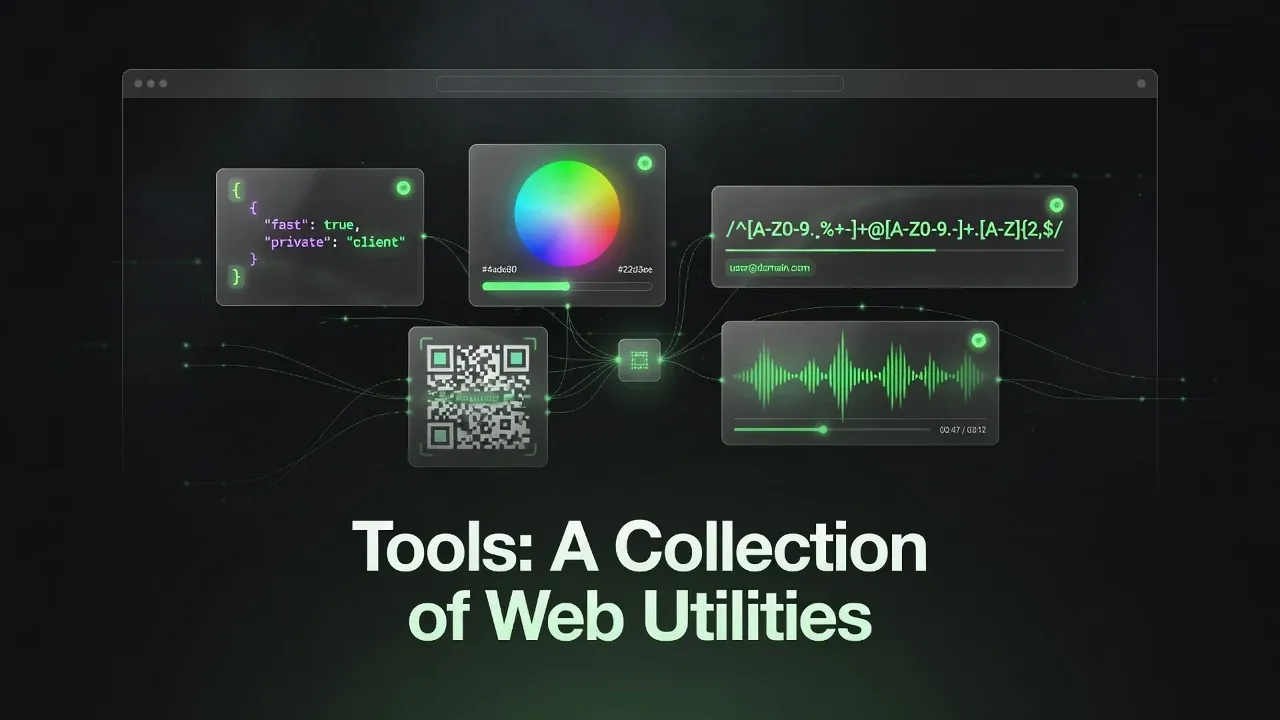
tools.ranzlappen.com is a clean, fast collection of practical browser-based utilities designed for developers, designers, and power users. Instead of installing multiple apps or relying on bloated online services, you get a growing set of focused tools that run directly in your browser — most with zero server round-trips.
The project source lives at Ranzlappen/tools[1] and is deployed on two complementary platforms: GitHub Pages for the static site and Vercel for the API layer. It is MIT licensed and complies with repo-standards v3 at full compliance.
All 15 Tools
The dashboard currently offers 15 tools across a clean tile-based interface with instant previews:
| Tool | What it does |
|---|---|
| JSON Formatter | Pretty-print, minify, and validate JSON entirely in the browser |
| Color Picker | Pick colors, convert between HEX, RGB, HSL, OKLCH, and more; WCAG contrast checking in real time |
| Regex Tester & Builder | Live match highlighting with a guided pattern generator alongside |
| Markdown Preview | Real-time GitHub Flavored Markdown rendering; imports HTML, CSV, JSON, DOCX, XLSX, PDF, PPTX for conversion |
| Multi-Encoder | Convert text between Base64, Hex, URL encoding, Binary, and ASCII |
| JWT Decoder | Inspect JWT header, payload, and signature locally — nothing leaves the page |
| UUID & Hash Generator | Generate UUID v4/v7 and MD5, SHA-1, SHA-256, SHA-512 hashes on demand |
| QR & Barcode Generator | All 1D and 2D symbologies with design control and multi-format export |
| Video Studio | Trim, reverse, resize, crop, rotate, color-grade, and re-encode; export video, GIF, PNG frames, or audio — entirely in-browser via ffmpeg.wasm[2] |
| OG Image Studio | Design and generate 1200×630 social media cards via a Vercel edge function |
| Flipper GUI Studio | Visual drag-and-drop editor for Flipper Zero / Momentum apps with C code export |
| Metadata Studio | Inspect, edit, or strip EXIF, ID3, PDF, Office, and ZIP metadata from files |
| MIUI Theme Studio | Build and export custom Xiaomi MIUI/HyperOS themes (.mtz) with wallpapers, icons, fonts, and system colors |
| YouTube MP3 Studio | Generate high-quality yt-dlp commands for audio extraction from videos and playlists, with cookie support for private content |
| Cookies.txt Converter | Convert browser cookie exports into yt-dlp-compatible Netscape format |
Standout Tools: Deeper Dives
Video Studio is the most technically ambitious tool. It runs a full ffmpeg.wasm[2] instance in a Web Worker, keeping the UI thread unblocked during heavy transcoding. Supported operations include trimming, reversing playback, resizing, cropping, rotating, color grading, and re-encoding. Outputs include video (MP4/WebM), animated GIF, individual PNG frames, and audio-only extractions — all processed on-device, never uploaded.
Flipper GUI Studio is a visual drag-and-drop canvas editor that generates valid C source code for Flipper Zero[3] UI screens (compatible with the Momentum firmware). You build your layout visually, then export the auto-generated C file directly into your Flipper app project. It bridges the gap between wanting a polished UI and not wanting to write Flipper’s display API calls by hand.
OG Image Studio is the one tool that makes a server round-trip: it POSTs your title, subtitle, and theme choice to /api/og — a Vercel edge function — which renders a sharp 1200×630 card server-side and returns the PNG. The edge function approach delivers consistent font rendering without shipping a full font stack to the browser.
Metadata Studio handles five metadata formats in one place: EXIF (images), ID3 (audio), PDF metadata, Office document properties, and ZIP archive manifests. You can inspect all fields, edit what you want, and strip the rest — useful for privacy-cleaning files before sharing.
Technical Architecture
The project is 65.7% JavaScript, 27.5% HTML, and 6.8% CSS — deliberately vanilla, with no framework build step required. This keeps the contributor barrier minimal and the bundle size controlled.
Client-side tools run 100% in the browser using:
- WebAssembly —
ffmpeg.wasmfor the Video Studio; compiled C/C++ running at near-native speed inside the browser sandbox. - Web Workers — heavy operations (video encoding, hash generation) run off the main thread.
- FileReader / File System Access API — local file I/O without upload; files never leave the device.
- Canvas API — used by the QR generator and Flipper GUI Studio for visual rendering.
Server-side tools use Vercel serverless functions exposed at https://api.tools.ranzlappen.com:
/api/og— OG Image Studio server-side card rendering.
The design-system CSS uses custom properties (tokens) for theming; a shared JS partial handles the dark/light theme toggle and backdrop effect consistently across all tool pages.
Deployment & Infrastructure
The site runs on two platforms:
| Layer | Platform | URL |
|---|---|---|
| Static site + tools | GitHub Pages | https://tools.ranzlappen.com (custom domain) |
| API / serverless functions | Vercel | https://api.tools.ranzlappen.com |
| Fallback | GitHub Pages | https://ranzlappen.github.io/tools/ |
The GitHub Actions pipeline includes:
pages-deploy.yml— deploys the static site on every push tomainsecurity-scan.yml— CodeQL, Gitleaks, and OpenSSF Scorecard[4]dependency-review.yml— per-PR CVE gating
No build step is required; the repo serves files directly, which means the pages-deploy workflow is a simple push to the gh-pages branch.
Privacy & Security
Privacy is a design constraint, not an afterthought:
- No analytics — no Google Analytics, no tracking pixels, nothing that phones home on every visit.
- Client-side processing — all file operations happen in the browser. The Video Studio, Metadata Studio, Color Picker, JSON Formatter, and most other tools never send your data to a server.
- OG Image Studio exception — this tool sends your card text to the Vercel edge function. No data is stored; the function renders and returns the image immediately.
- Service worker — basic offline support for previously visited tool pages.
- MIT licensed — the full source is auditable at github.com/Ranzlappen/tools.
Standards Compliance
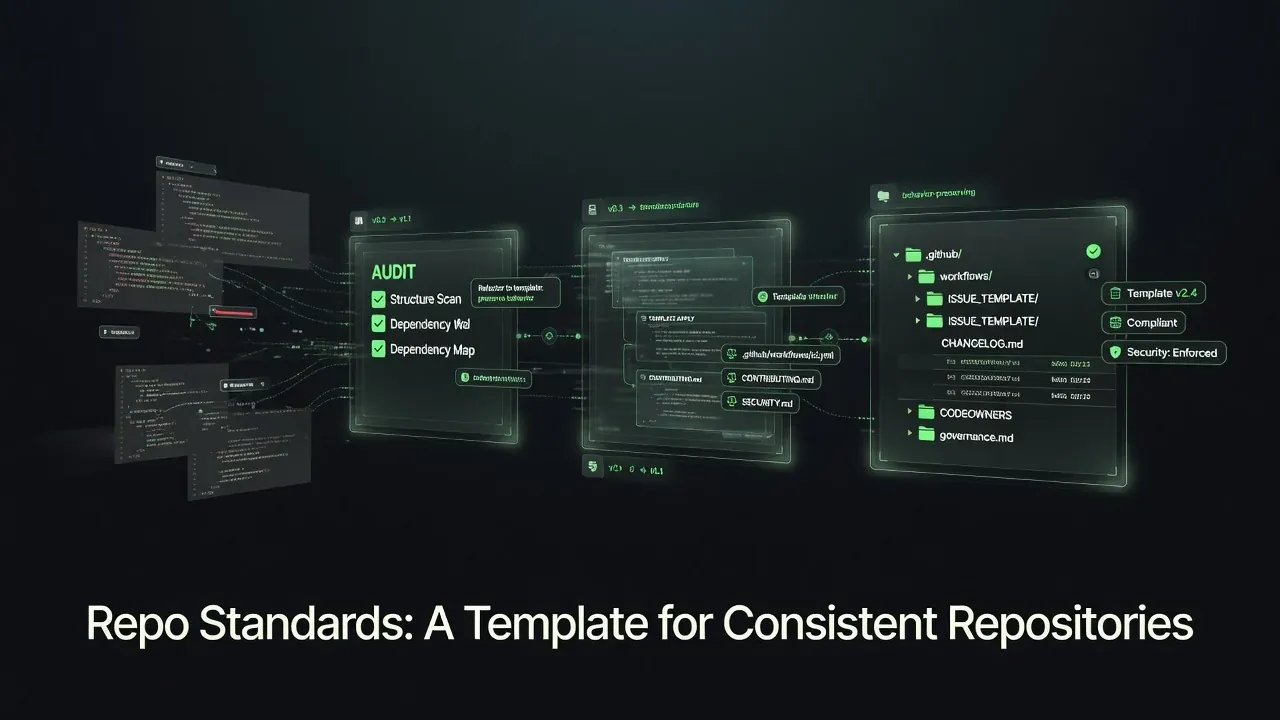
The project adheres to repo-standards v3 at full compliance, which means it ships with:
CHANGELOG.md,CONTRIBUTING.md,SECURITY.md,CODE_OF_CONDUCT.md- SHA-pinned workflow actions with least-privilege permissions
- Automated security scanning (CodeQL, Gitleaks, OpenSSF Scorecard)
- Dependency review on every PR
This makes it a useful reference implementation alongside the standards toolkit itself.
Key Takeaways
- 15 browser-based utilities spanning developer essentials (JSON, JWT, regex, UUID) through to specialized tools (Video Studio, Flipper GUI Studio, MIUI Theme Studio).
- Strong emphasis on client-side execution — most tools process everything locally via vanilla JS and WebAssembly.
- The Video Studio (
ffmpeg.wasm) and Flipper GUI Studio (C code export) are standout tools with no easy browser-native equivalents. - No build step required: vanilla HTML/CSS/JS, deployable as static files.
- Full repo-standards v3 compliance: security scanning, SHA-pinned CI, dependency review.
Conclusion
tools.ranzlappen.com offers a refreshing take on online utilities: fast, private, and genuinely useful without unnecessary complexity or data collection. Whether you need quick JSON formatting, video trimming, custom Flipper Zero interfaces, or social media graphics, there is likely a focused tool here that gets the job done efficiently.
It is especially valuable for developers and tinkerers who want capable tools without leaving the browser or compromising on privacy.
Visit the site — or browse the source repository.
More Project Showcases
Other projects in this series that might interest you:
- Flipper Zero companion tools — Scripting and automation for the Flipper Zero (pairs with Flipper GUI Studio)
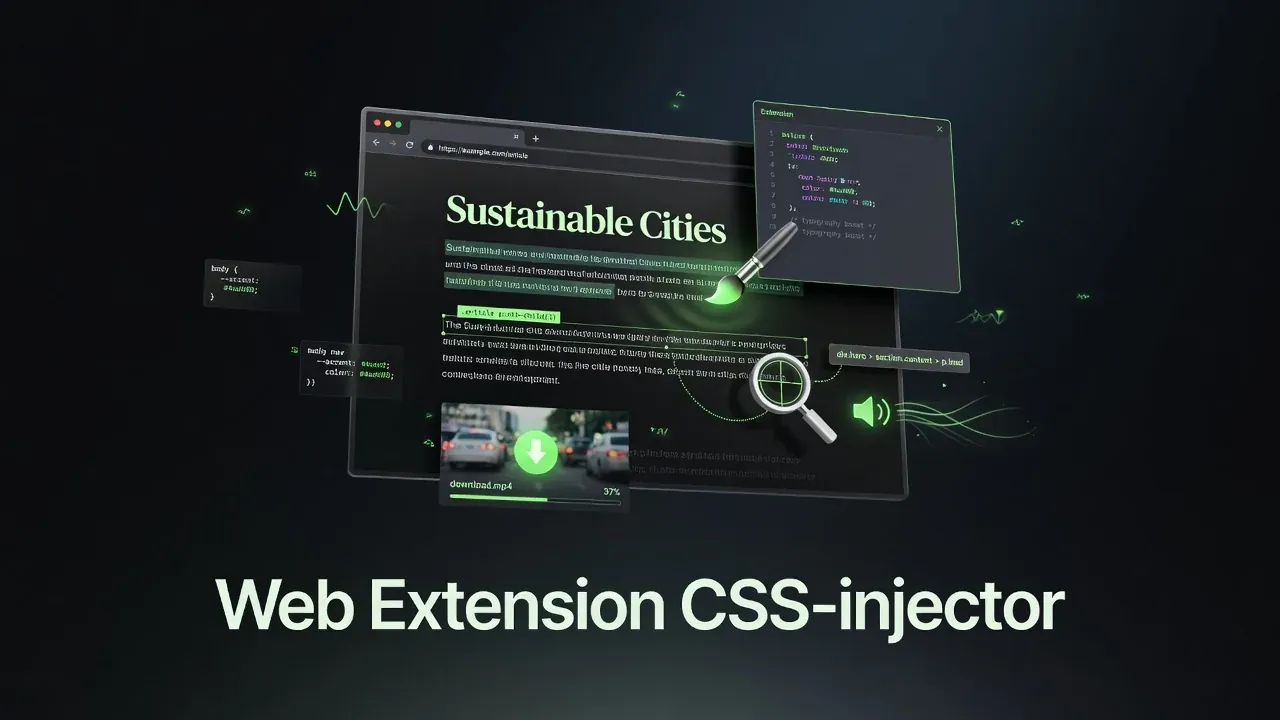
- Pageside — Manifest V3 browser extension for CSS injection and media downloads
- repo-standards — The versioned toolkit this project itself follows
Sources
- Ranzlappen/tools — GitHub repository: source, README, CI configuration, and deployment setup (accessed June 2026).
- ffmpeg.wasm — WebAssembly port of FFmpeg, powering the in-browser Video Studio tool.
- Flipper Zero — The portable multi-tool for security researchers and hardware hackers; the Flipper GUI Studio exports C code for Flipper / Momentum firmware apps.
- OpenSSF Scorecard — Automated supply-chain risk scoring tool integrated in the security-scan workflow.
- Vercel Functions documentation — Serverless edge functions used by the OG Image Studio
/api/ogendpoint.
Comments
Comments are powered by Giscus (GitHub Discussions).
Enable functional cookies to load comments.