

What Ticked Does
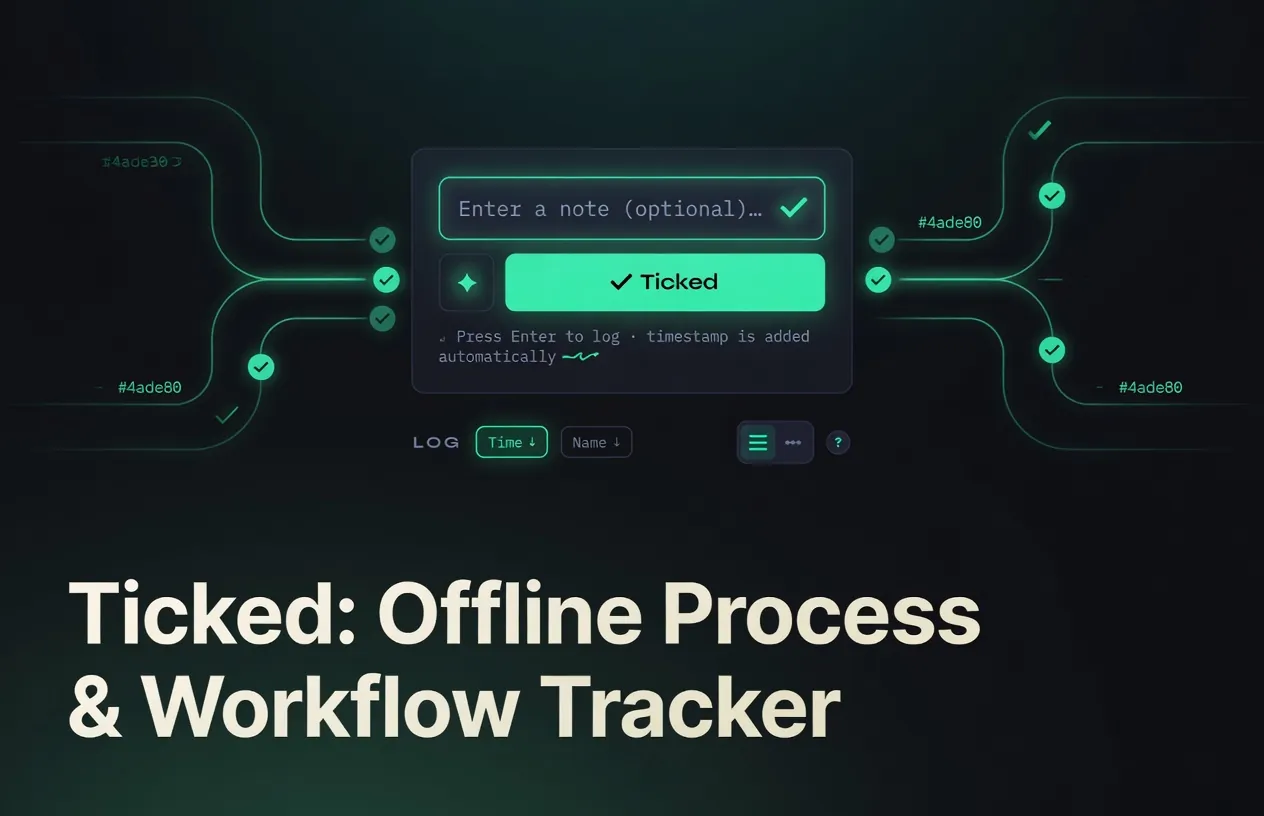
Ticked gives you two seamless tabs: Log for quick timestamped entries and Processes for multi-stage workflow tracking. Every change auto-saves to your browser’s localStorage[3]. Your data stays on your device, works completely offline, and never leaves your machine.
At its core, the Log tab lets you press a button or hit Enter to instantly log the current timestamp like a traditional logbook. This simple one-action capture is particularly helpful for real-time time tracking, habit logging, event documentation, or quick personal journaling—eliminating friction so you can record exactly when something happens without extra steps or apps.
Live at ticked.ranzlappen.com — open it and it is ready immediately, no sign-up required.
Core Features
-
Dual Tabs for Flexibility
Switch instantly between Log (quick notes and custom-timestamped entries) and Processes (full workflow tracking). -
Checkpoint & Stage Tracking
Create processes, add dynamic checkpoints with names, due dates, comments, and notifications. Progress updates via a visual horizontal timeline. -
Smart Filters & Sorting
For Log: All / Auto-logged / Custom / Edited. For Processes: All / Edited / Overdue. Combine with search, date pickers, and sort by time or name. -
Timeline & List Views
Toggle between chronological timeline (with day headers) and classic list. Swipe gestures on mobile integrate well for phones, offering quick delete or actions. -
Silent Instant Logging
Type, hit Enter or tap Log—entries save automatically with no buttons or spinners. -
Color Palette Customization
Edit your app’s color scheme on the fly; changes persist across sessions. -
Multi-Language Support
Interface available in English, Spanish (Español), German (Deutsch), and French (Français). -
Full Responsiveness & PWA-Ready
Scales perfectly from phone to desktop. Installable via browser “Add to Home Screen” with service worker support. -
Advanced Backup & Export
One-click JSON export, import, Google Drive sync option (with your own client ID), and built-in “Download Offline HTML” for a self-contained backup file.


Architecture & How It Works
Ticked ships as six files, four of which provide the full application logic[1]:
| File | Role |
|---|---|
index.html |
Application shell and markup |
app.js |
All application logic — state, UI, event handling |
styles.css |
UI styling and CSS theme tokens |
i18n.js |
Language dictionaries for the four supported locales |
sw.js |
Service worker — caches assets for offline use |
manifest.json |
PWA metadata — name, icons, display: standalone |
State persistence is handled entirely by the Web Storage API. All log entries, process definitions, checkpoints, and settings are written to localStorage on every change (no debounce — every keystroke and tap triggers a save). The storage key is ticked_store.
Offline operation works via the service worker caching strategy: all six application files are precached on first load. Subsequent visits — even with no network — serve entirely from the cache. Bumping CACHE_REV in sw.js forces clients to fetch fresh assets on next load, which is the only “release” mechanism for a file served from GitHub Pages.
PWA installation is driven by manifest.json with display: standalone. Visitors on Chrome/Edge (desktop) or any mobile browser get an install prompt. Once installed, Ticked appears as a standalone app with no browser chrome, indistinguishable from a native app.
Google Drive sync is optional and requires the user to supply their own OAuth client ID from Google Cloud Console. No credentials are ever stored server-side — the OAuth flow is entirely client-side via the Google Identity Services library. Drive sync is disabled by default and is only activated from Settings.
There are no build tools, no bundler, no node_modules. Development is as simple as:
# Without service worker (instant, no caching)
open index.html

# With full PWA features (service worker requires a server origin)
python3 -m http.server 8080
# visit http://localhost:8080/
Technical Advantages
Ticked is a single-origin, dependency-free application built with vanilla JavaScript, CSS, and HTML—no frameworks, no build step.
100 % Local & Offline
Data lives in localStorage under the key ticked_store. The included service worker (sw.js) and manifest enable true offline use and PWA installation. Once saved locally, Ticked runs forever without internet.
Privacy First
No accounts, no telemetry, no analytics, no external calls—except for the optional Google Drive sync, which the user explicitly opts into with their own credentials. Your workflows remain completely private by default.
Under 100 KB
The entire application — HTML, CSS, JavaScript, and i18n strings — loads in milliseconds. Service worker caching means repeat loads are instantaneous.
Easy Instant Access
Use it immediately at the live app or save the page as index.html (File → Save As in any browser) for a portable, offline copy. Updates are as simple as replacing the file.
Configuration & Settings
Ticked has no config file — all settings are exposed through the in-app Settings panel and persisted in localStorage alongside your data. The available options are:
- Language — Switch between English, Español, Deutsch, and Français at any time. The choice is saved immediately.
- Color palette — Edit the app’s color scheme; tokens are stored per-session and persist across reloads.
- Google Drive sync — Paste your Google Cloud OAuth client ID to enable optional cloud backup. Can be disconnected at any time from the same panel.
- Cache invalidation — If you self-host, bump
CACHE_REVinsw.jsto push an update to all cached clients.
Potential Use Cases
- Freelance project logging—track deliverables stage by stage.
- Daily personal workflows—log routines, side projects, or learning checkpoints.
- Team hand-off notes—export a clean JSON or offline HTML snapshot.
- Offline fieldwork—reliable tracking when connectivity is unavailable.
- Minimalist productivity—replace bloated apps with a tool you own.
- Logbook-style timestamping—freelance billable-hours logging or daily mood/event journaling.
How to Get Started
- Visit ticked.ranzlappen.com and start using it immediately — no install, no account.
- For a fully offline portable copy, save the page (
File → Save As → index.html) and open it in any browser. - To install as a PWA on mobile, tap your browser’s Share → Add to Home Screen; on desktop, look for the install icon in the address bar.
Development Note: Ticked is still in active development. While the core functionality is stable and ready to use, occasional bugs may appear. Feedback and bug reports via GitHub are welcome.
Important Note on Data Persistence
Ticked stores everything in your browser’s localStorage. Clearing cookies or site data for this domain will delete your entries and processes. Regular backups are strongly recommended — use the built-in Export button to download a .json file anytime, or use Download Offline HTML for a complete self-contained backup that also works without internet.
Also note: localStorage is per-origin and per-browser profile. If you use Ticked on both your phone and your laptop, the data does not sync automatically. Use the JSON export/import or configure Google Drive sync to keep devices in step.
Troubleshooting & Pitfalls
Service worker not updating after a code change?
The PWA caches aggressively. If you self-host, bump CACHE_REV in sw.js and redeploy. In-browser you can force-clear via DevTools → Application → Service Workers → Unregister, then hard-reload.
”Add to Home Screen” prompt not appearing?
This requires the site to be served over HTTPS (or localhost). Opening index.html directly as a file:// URL suppresses the install prompt and disables the service worker.
Google Drive sync not connecting?
You need a Google Cloud project with the Drive API enabled and an OAuth client ID scoped for your origin. The client ID you paste must exactly match the domain you’re running Ticked on.
Data appears to be gone after clearing browser history?
Most browsers tie localStorage to site data. “Clear browsing data” in most browsers includes site data by default. Always export a backup before clearing.
Key Takeaways
- Single-origin HTML app—zero dependencies, zero build step, instant load, fully offline.
- Dual Log + Processes tabs with checkpoint timelines and smart filters (All / Edited / Overdue).
- Silent auto-save to
localStoragewith PWA support for an app-like experience on any device. - Built-in backup: JSON export/import, optional Google Drive sync, and offline HTML download.
- Multi-language (EN, ES, DE, FR) with fully responsive UI, swipe gestures, and color customization.
- 100 % private—no accounts, no servers, no telemetry; data never leaves your device unless you choose Drive sync.
Conclusion
Ticked delivers powerful workflow tracking in the lightest possible package. Whether you open it online for immediate use or save it locally for permanent offline access, you get instant logging, checkpoint progress, smart organisation, and total data ownership. If you value speed, simplicity, and control over your own information, Ticked is ready the moment you open the page.
Star or fork the project on GitHub: github.com/Ranzlappen/ticked.
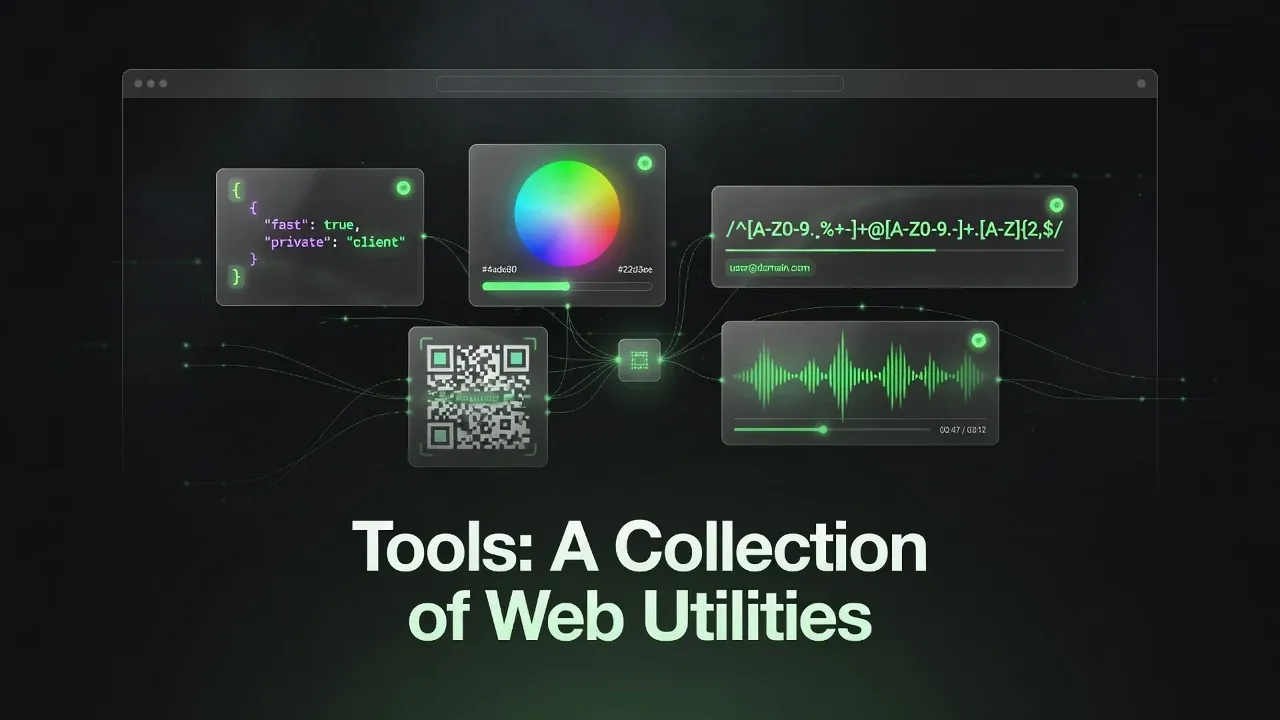
More project showcases: MoodRadar · Discord Music Bot · Flipper Zero Framework · HardwareDash · Pageside · tools.ranzlappen.com
Sources
- Ranzlappen/ticked — GitHub repository (README, source files, architecture).
- Ticked — live app at ticked.ranzlappen.com.
- MDN Web Docs — Web Storage API (localStorage).
- MDN Web Docs — Service Worker API (offline caching).
- web.dev — Progressive Web Apps overview (PWA installation, manifest, standalone display).
Comments
Comments are powered by Giscus (GitHub Discussions).
Enable functional cookies to load comments.